
Acadeva is a study app built for university students. It brings your books, timetable, notes, study groups, and AI study tools into one place so you are not jumping between five different apps just to manage your academic life. Everything from finding your course textbooks to preparing for exams can happen inside the app.
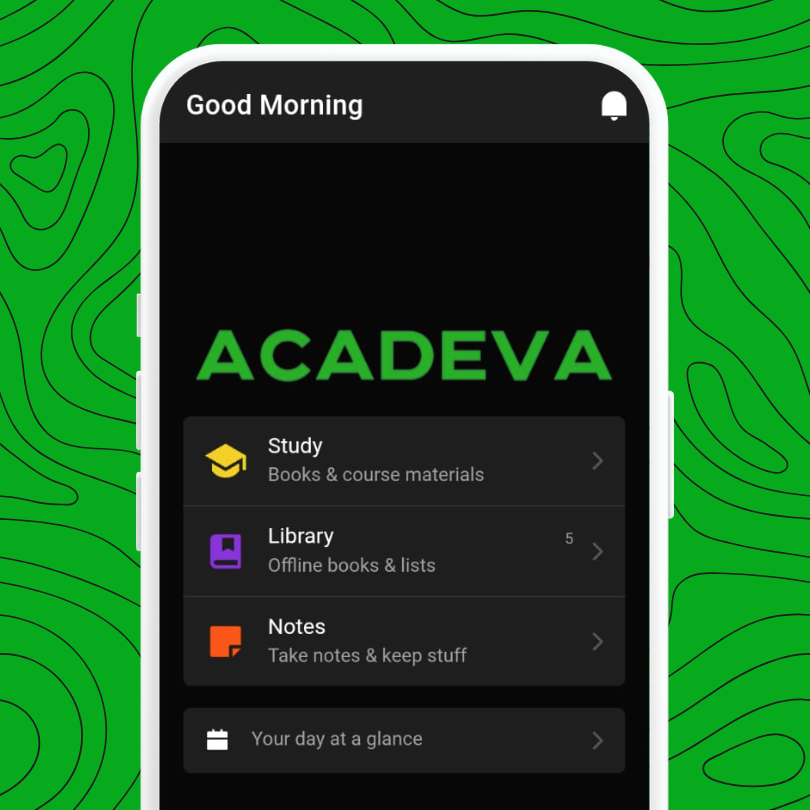
1. Books and study materials organised around your courses
When you set up Acadeva, you select your programme and the courses you are taking. The app uses that to show you the textbooks and related books that match what you are actually studying, not a random library of everything.
Each of your courses has its own section where you can find:
- Textbooks — the core books for that course, ranked by how relevant they are
- Related books — extra reading materials that cover the same topics
- Past questions and quizzes — to help you test what you know
You can also search for any book by title, browse curated collections, and add books to custom lists you create yourself. When you find a book you want to read later, you can bookmark it or download it so it is always available, even without internet.
2. A timetable that keeps you on track
You can build your full class schedule inside Acadeva. Add each of your courses, set the days and times they hold, and the app will always show you what is happening right now and what is coming up next.
- Create a timetable for your current semester and add all your courses to it
- Add one-time entries for exams, tests, and assignment deadlines
- Get reminders before a class or deadline so nothing sneaks up on you
- Share your timetable with classmates using a code, or join a timetable a course rep already created
If a class is cancelled or a deadline changes, you can post an update directly on the timetable so everyone who is on it gets notified.
3. Notes that stay with you
Acadeva has a full note editor built in. You can write and format your notes with headings, bullet points, numbered lists, and checkboxes. Notes sync automatically so they are always up to date, and you can organise them into folders to keep things tidy.
- Create folders for each course and keep notes separate
- Pin the notes you go back to most often so they are always at the top
- Use templates to structure your notes faster instead of starting from scratch every time
- Import notes you already have in Notion if you are switching over
- Save responses from AI tools directly as notes so your study guides are all in one place
4. AI tools that actually understand your material
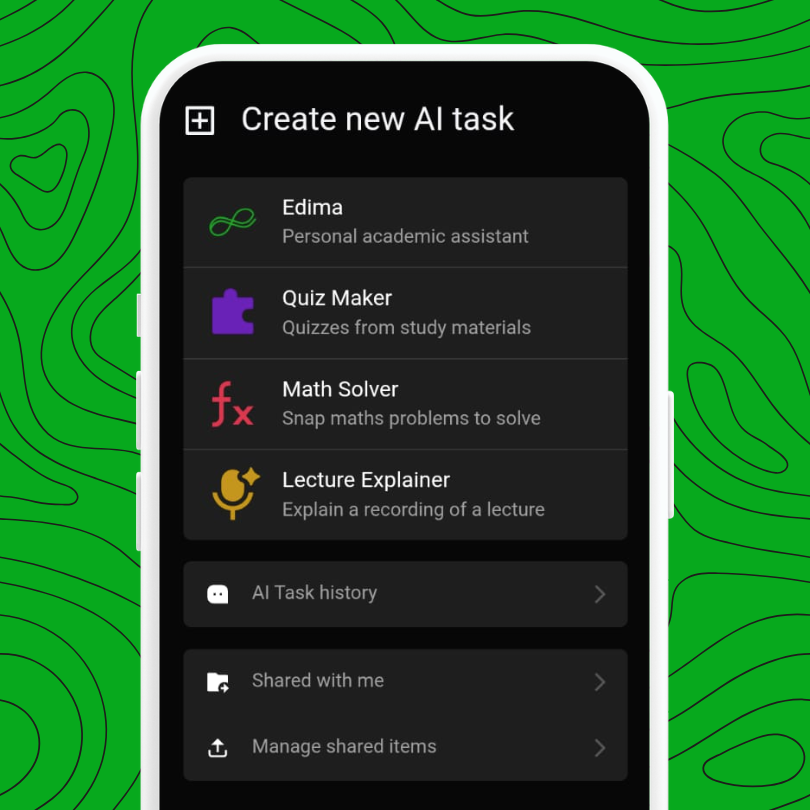
Acadeva has four AI tools, each built for a different kind of study task.
Edima is a personal academic assistant you chat with. You can attach a textbook, a PDF, your own notes, or even a photo, then ask it questions about the material. It can explain concepts, help you break down a difficult topic, or walk you through something you did not understand in class.
Quiz Maker takes any book or PDF you give it and turns it into a set of practice questions. You can choose between a creative mode that generates questions from key ideas, or an exact mode that pulls questions directly from the text. You can also set the difficulty and how many questions you want.
Math Solver lets you point your camera at a maths problem and get a step-by-step solution. You can crop the image to focus on just the equation, and the solution is shown with each working step clearly laid out.
Lecture Explainer takes an audio recording of a lecture and converts it into a structured study guide. It generates learning objectives, a table of contents, a summary, key terms and definitions, and discussion questions, all from the recording.
* All 4 tools have daily usage limits depending on your plan. You can reset a limit using your points or upgrade to get more usage.
5. Study groups to stay accountable with classmates
Study groups let you collaborate with coursemates beyond just sharing notes. Members can chat, share books, complete group tasks, and check in daily to keep each other on track.
- Create a group for your course, department, or any topic you want
- Send messages, share images, and reply to specific messages in the group chat
- Admins can create tasks with deadlines and review what each member submits
- Daily check-ins can be tied to tasks or quizzes so members stay consistent
- Share books and study materials directly inside the group for everyone to access
Group admins can track who is participating and who is falling behind using the team activity view.
6. Sharing and collaboration beyond groups
Outside of study groups, Acadeva lets you share individual items with specific people.
- Send a book directly to a friend using the share option on any book
- Create a book list and share it with classmates who are taking the same courses
- Scan a QR code to instantly open a book, timetable, or study list that someone shared with you
- View everything others have sent you in one place under shared items
7. Points, badges, and rewards
As you study and engage with the app, you earn points. You can use those points to get more daily AI usage. Completing daily check-ins in study groups, spending time reading, and other activities all contribute to your points balance.
Badges are earned by reaching milestones and can be displayed on your profile.
8. Offline access
Everything you download in Acadeva is available without internet. Once a book is downloaded, you can read it in full through the built-in PDF reader. Notes also stay accessible offline and sync the next time you are connected.
If you are just getting started, the quickest path is to create your account, pick your programme and courses, and then download the textbooks for your current semester. From there, you can build your timetable and explore the AI tools.